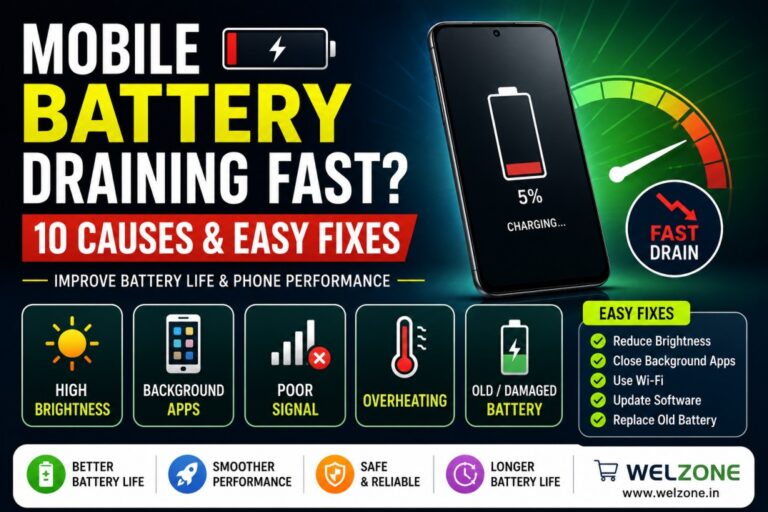
Mobile Battery Draining Fast? 10 Common Causes and Easy Fixes
If your smartphone battery drains quickly even after a full charge, you’re not alone. Battery drain is one of the most common issues faced by smartphone users today.
Whether you own a Samsung, Xiaomi, Vivo, Oppo, Realme, Motorola, or any other Android device, understanding the cause of battery drain can help extend battery life and improve performance.
In this guide, we’ll explore the most common causes of battery drain and practical solutions to fix them.
1. High Screen Brightness
Keeping your screen brightness at maximum consumes a significant amount of battery power.
Solution
- Enable Auto Brightness
- Reduce screen brightness manually
- Use Dark Mode whenever possible
2. Background Apps Running Continuously
Many apps continue running in the background even when you’re not actively using them.
Solution
- Close unused apps
- Restrict background activity
- Check battery usage statistics regularly
3. Poor Mobile Network Signal
A weak network signal forces your phone to work harder, consuming more battery.
Solution
- Use Wi-Fi whenever available
- Switch Airplane Mode in poor coverage areas
- Disable unnecessary network searches
4. Old or Damaged Battery
Over time, smartphone batteries naturally lose their capacity.
Common signs include:
- Fast battery drain
- Unexpected shutdowns
- Overheating
- Slow charging
Solution
Replace the battery if battery health has significantly deteriorated.
5. Excessive Gaming and Video Streaming
Gaming and streaming consume:
- CPU resources
- GPU power
- Internet data
- Screen brightness
All of which increase battery usage.
Solution
Limit extended gaming sessions and reduce graphics settings when possible.
6. Location Services Always Enabled
GPS services can significantly drain battery life.
Solution
- Turn off GPS when not needed
- Allow location access only while using apps
7. Outdated Software
Older software versions may contain bugs that affect battery performance.
Solution
Keep your phone updated with the latest firmware and security patches.
8. Fast Charging Heat Issues
Frequent charging heat can accelerate battery degradation.
Solution
- Use quality chargers
- Avoid charging under pillows or blankets
- Keep the device cool during charging
9. Battery Hungry Applications
Some apps consume excessive power.
Examples include:
- Social media apps
- Video editing apps
- Navigation apps
- Mobile games
Solution
Review battery usage settings and remove unnecessary apps.
10. Fake or Low Quality Batteries
Using duplicate batteries often leads to:
- Rapid battery drain
- Overheating
- Reduced lifespan
- Charging issues
Solution
Always buy compatible batteries from trusted suppliers.
Signs You Need a Battery Replacement
Need a New Mobile Battery?
Explore compatible batteries for Samsung, Vivo, Oppo, Xiaomi, Realme, Motorola, Lenovo, and many other smartphone brands.
Shop Mobile Batteries Now
Frequently Asked Questions
Why is my phone battery draining so fast?
Common causes include high brightness, background apps, poor signal, aging batteries, and battery-hungry applications.
How can I improve battery life?
Reduce screen brightness, close background apps, update software, and replace old batteries if necessary.
Does a damaged battery affect phone performance?
Yes. It can cause overheating, unexpected shutdowns, and reduced battery backup.
When should I replace my phone battery?
If battery health drops significantly or you experience rapid battery drain, replacement is recommended.
Battery drain can result from multiple factors, including display settings, background apps, weak network signals, and aging batteries. Identifying the root cause and applying the right solution can significantly improve battery life and device performance.
For users needing a reliable replacement battery, choosing a compatible, high-quality battery is one of the most effective ways to restore smartphone performance.
Visit More products
-
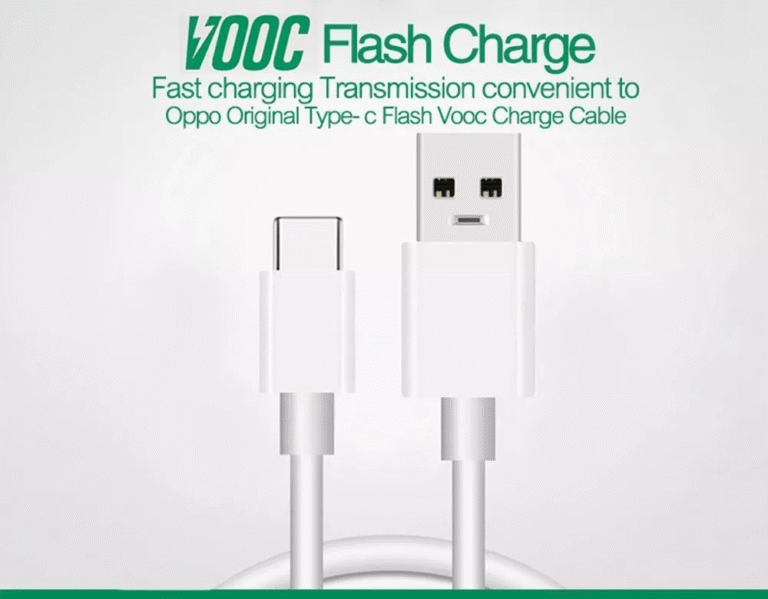
 5A Super Flash to VOOC Charger Cable Compatible with OPPO RX17 Pro I Find X2 PRO I K3 K5 Reno 2 3 4 Pro 5G Ace Pro Ace2 for Realme XT X2 6 Pro
₹119.00
5A Super Flash to VOOC Charger Cable Compatible with OPPO RX17 Pro I Find X2 PRO I K3 K5 Reno 2 3 4 Pro 5G Ace Pro Ace2 for Realme XT X2 6 Pro
₹119.00
-
 Men's Classic Polo T-Shirt – Premium Cotton, Stylish Fit, Comfortable, and Durable for Everyday Wear
₹498.00
Men's Classic Polo T-Shirt – Premium Cotton, Stylish Fit, Comfortable, and Durable for Everyday Wear
₹498.00
-
 Men's Premium Fleece Hoodie – Regular Fit
₹749.00
Men's Premium Fleece Hoodie – Regular Fit
₹749.00
-
 Men's Winter Hoodie – Premium Heavy GSM Fabric with Two Pockets
₹697.00
Men's Winter Hoodie – Premium Heavy GSM Fabric with Two Pockets
₹697.00
-
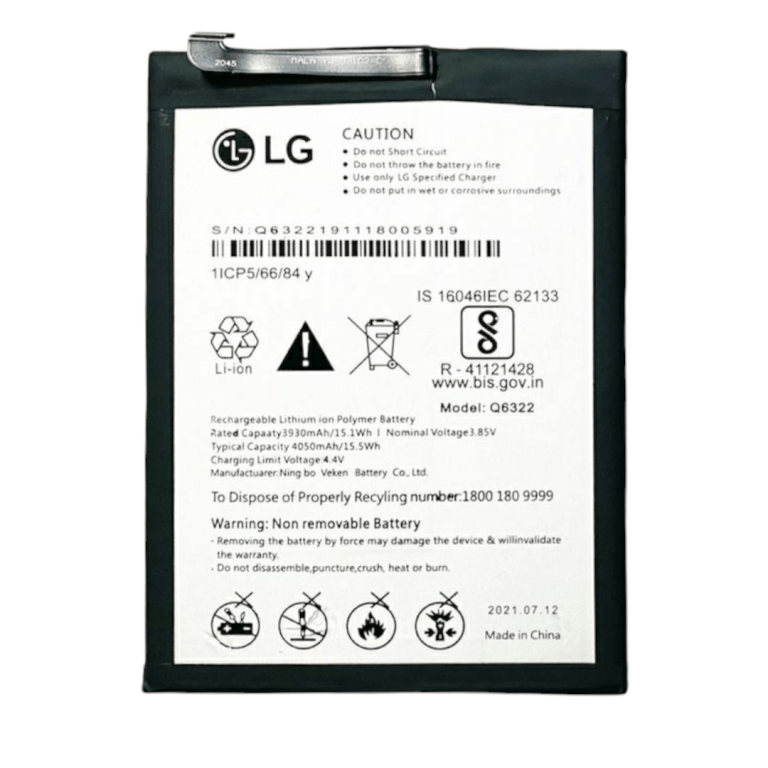
 Replacement Q6322 Battery Compatible with LG W30 - 4050mah
₹710.00
Replacement Q6322 Battery Compatible with LG W30 - 4050mah
₹710.00